
This week I had a difficult time deciding what I was going to photograph. I decided to take a look at Google and see what other options I had to choose from. Landscape and animal photography really caught my eye as I was going through the different types of photography.
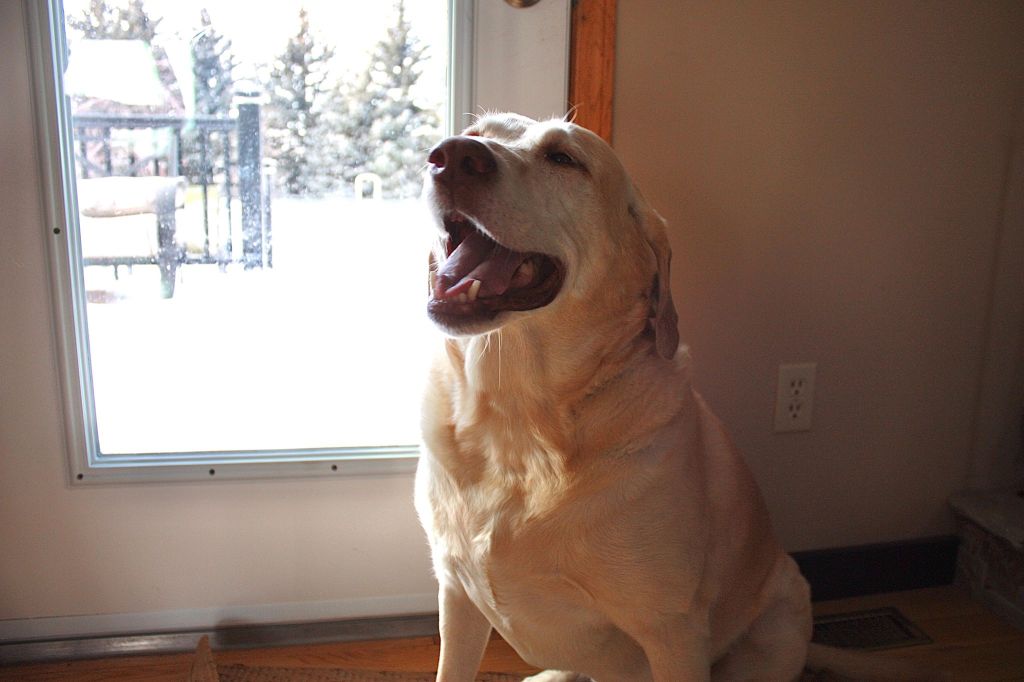
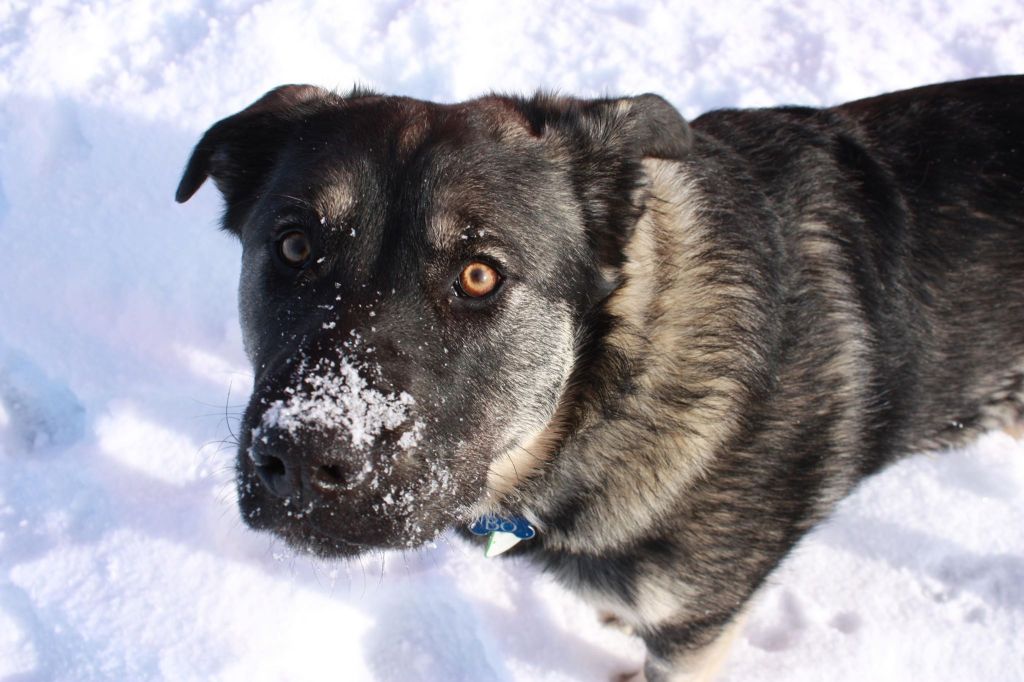
I was determined to get photos of the great amounts of wildlife behind my acreage but those animals are scared of me for some reason(or I’m scared of them, not sure haha). So sad to say every time I tried getting close enough to get a photo of them they ran and the picture became nothing but a blur. I find Saskatchewan’s variety of wildlife beautiful. So instead of wildlife, I decided to take more photos of my dog (I am OBSESSED with him), and my boyfriend’s dog. Both of our animals are very energetic which makes it difficult to take a good picture of them sitting still. For these pictures, I kept my camera in portrait mode so it would focus on the dog’s faces. I will admit that more than a couple of treats were needed for them to cooperate.


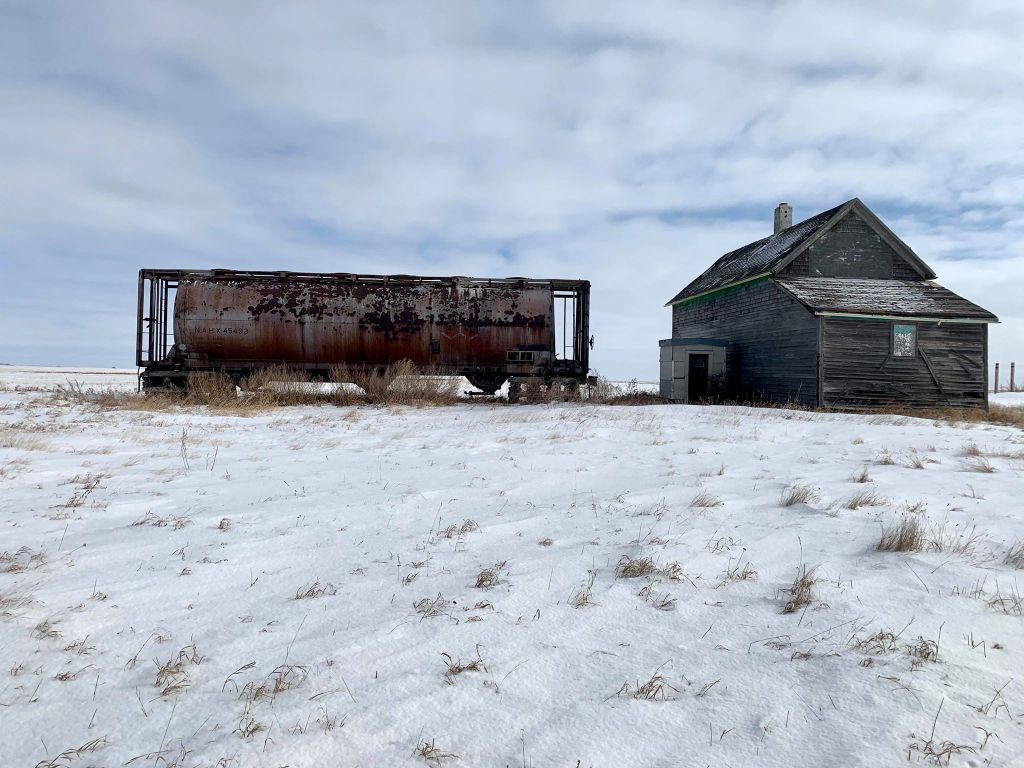
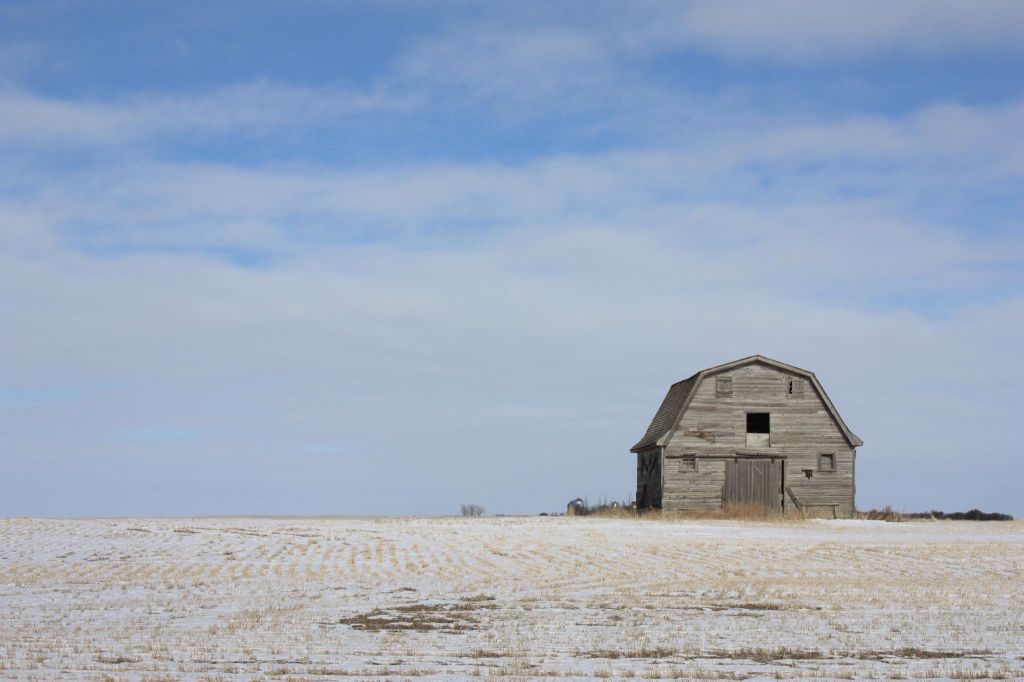
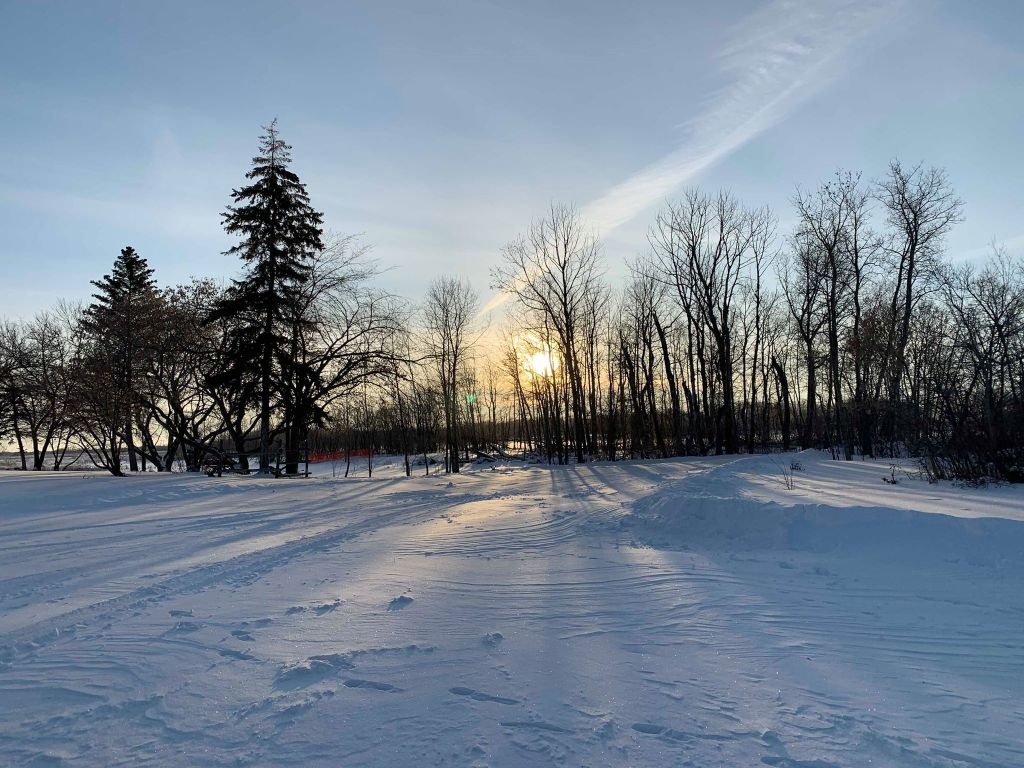
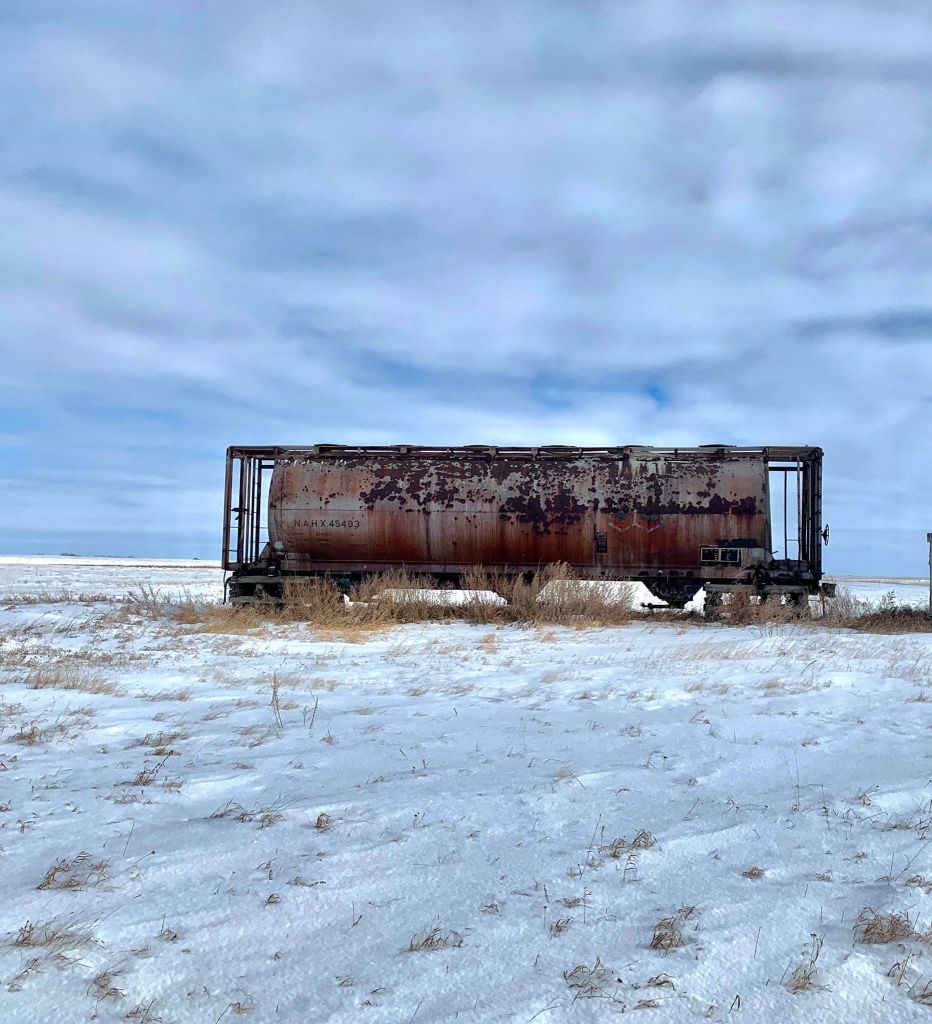
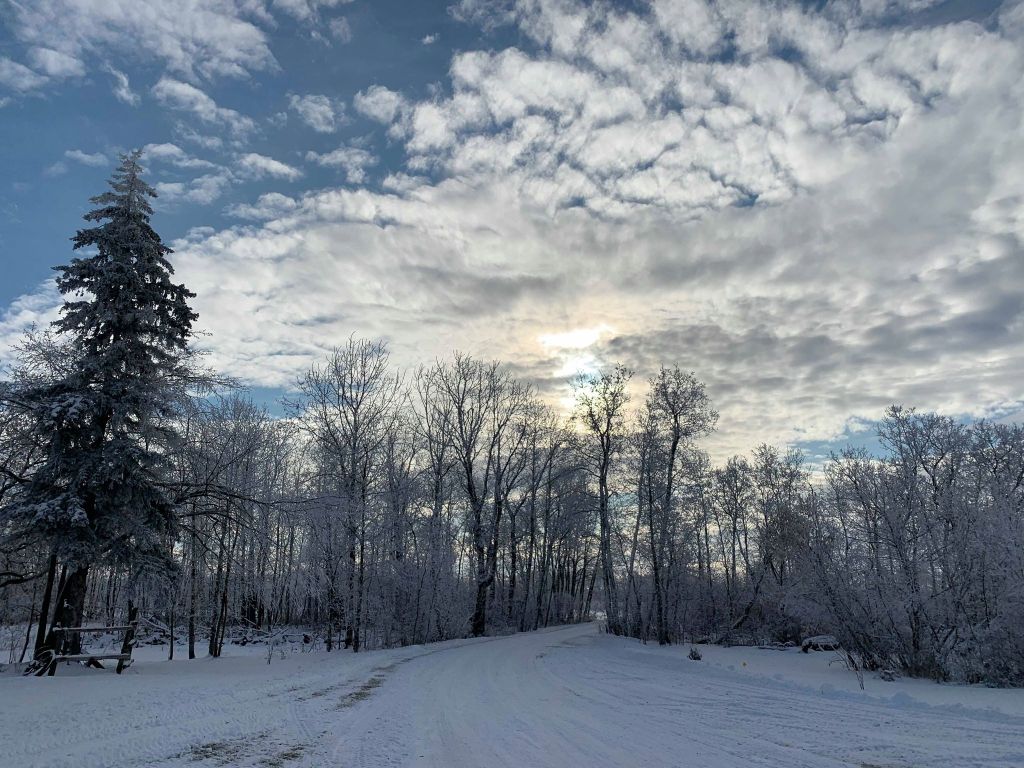
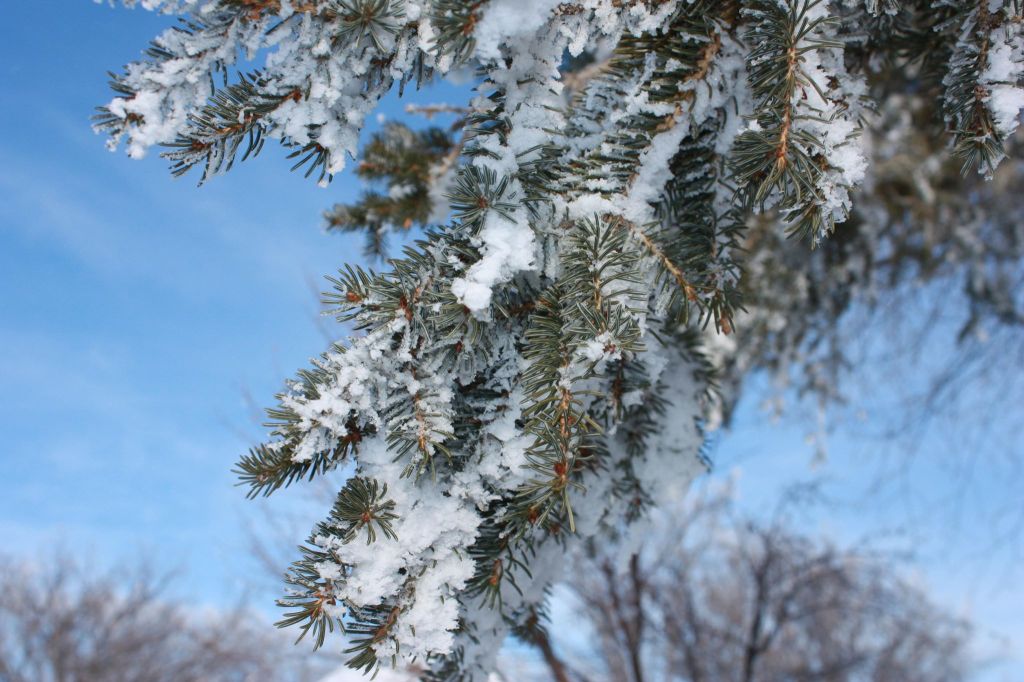
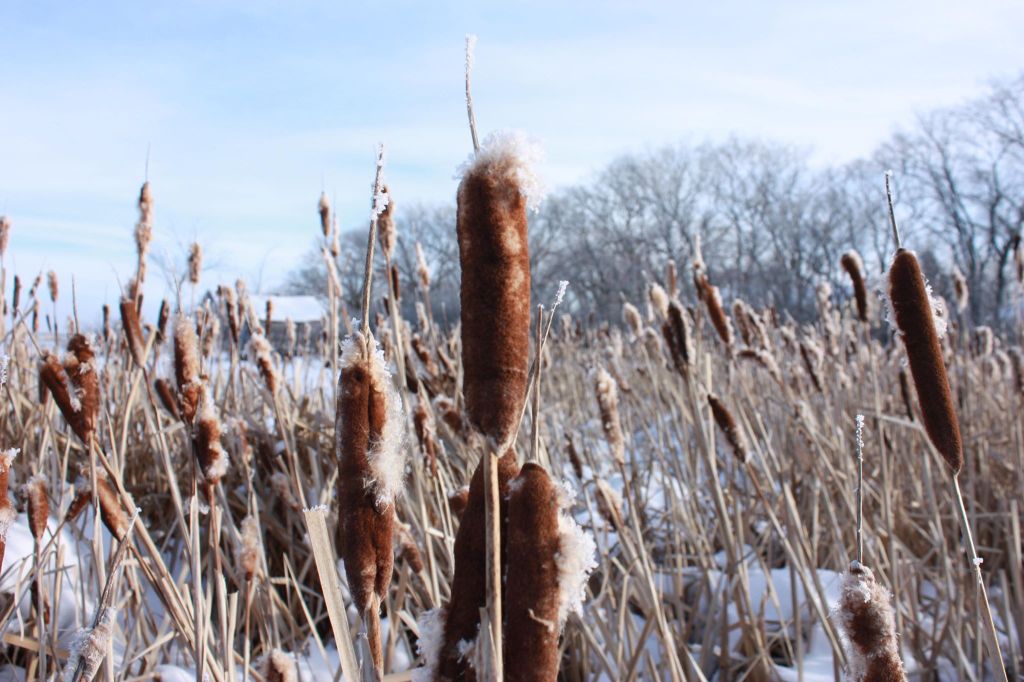
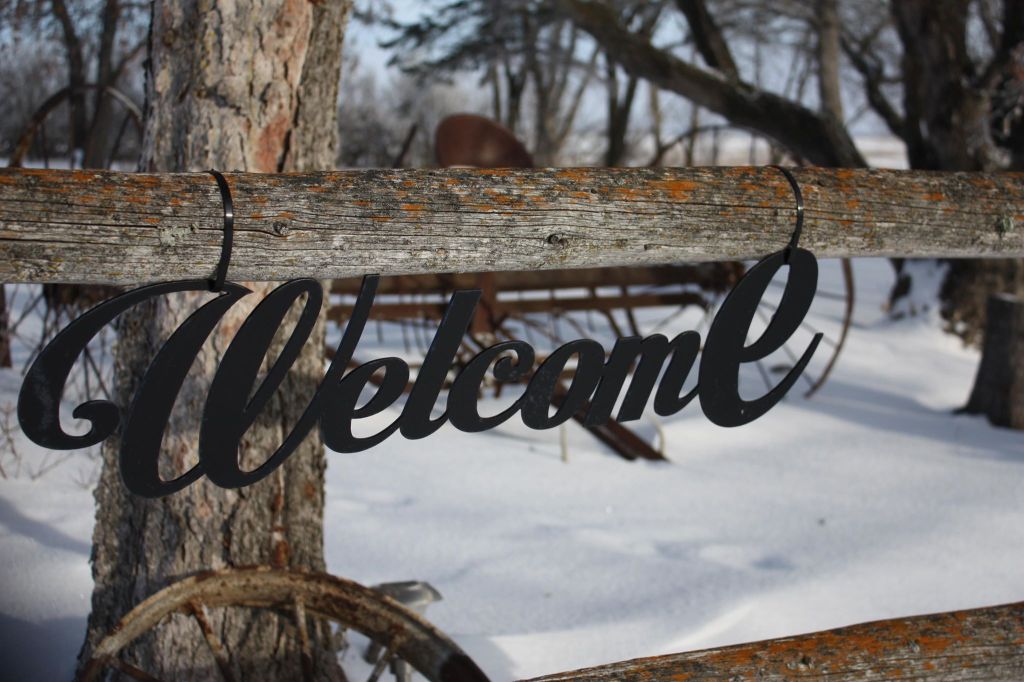
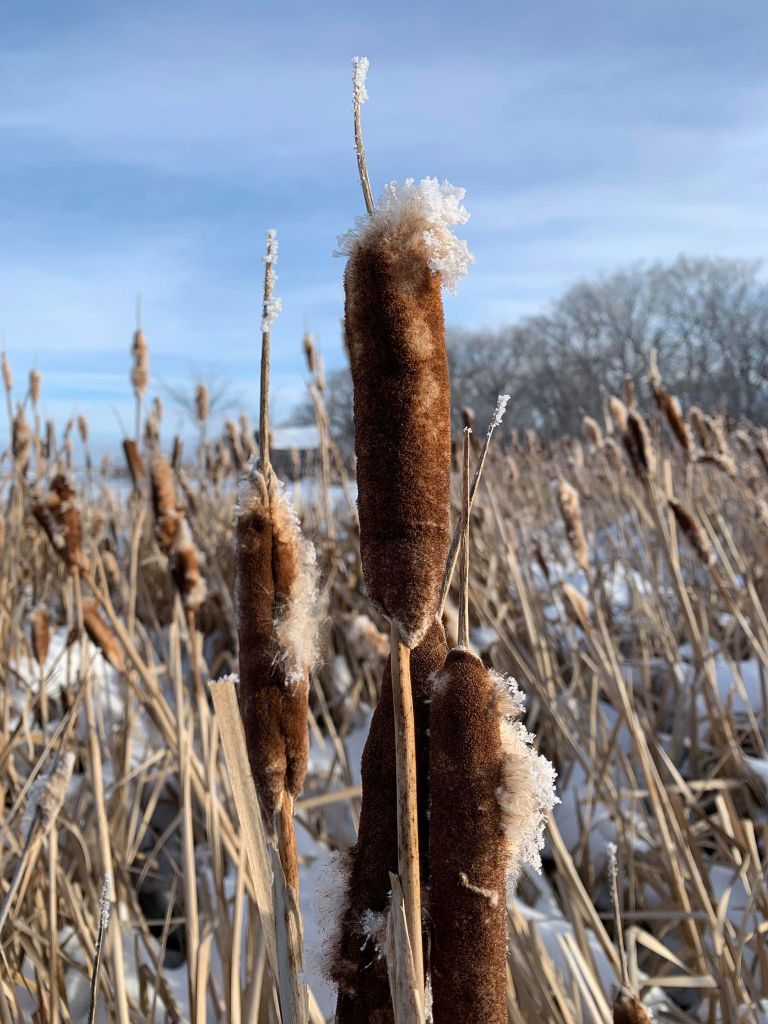
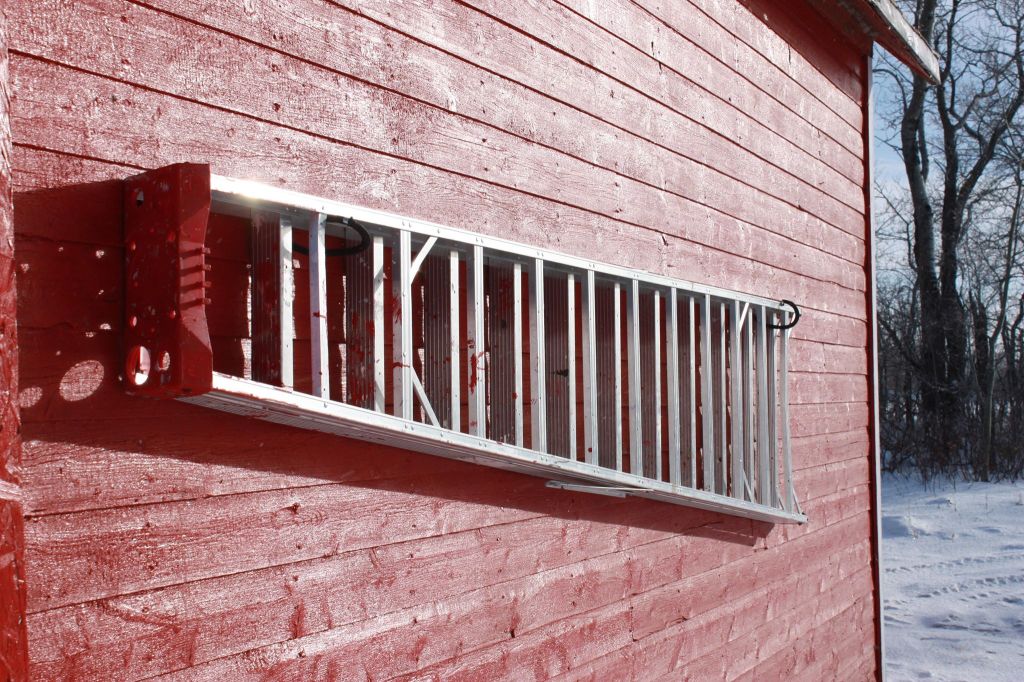
One reason I love living in Sask is being able to see the gorgeous sunsets and sunrises. Sask is known for the sunsets and sunrises which is why it has gotten the name “land of the living skies”. I honestly can say I will never get sick of seeing the skies. I decided to take a drive around my acreage and see what type of landscape photos I was able to capture. My favorite pictures were the abandoned barn in the middle of a field and the railway car beside the abanded house. I felt that these photos had the most character to them. I found different websites on how to take great landscape photos. I also watched a video on youtube on how to properly put my camera into the right setting. I really enjoyed taking these pictures and there wasn’t much to learn besides putting the camera into landscape mode and keeping the flash off. Very straightforward for this type of photography.
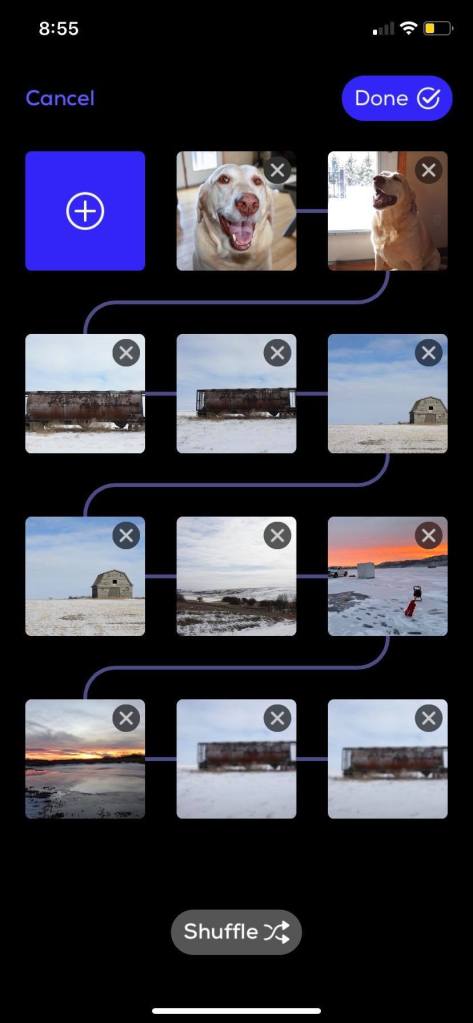
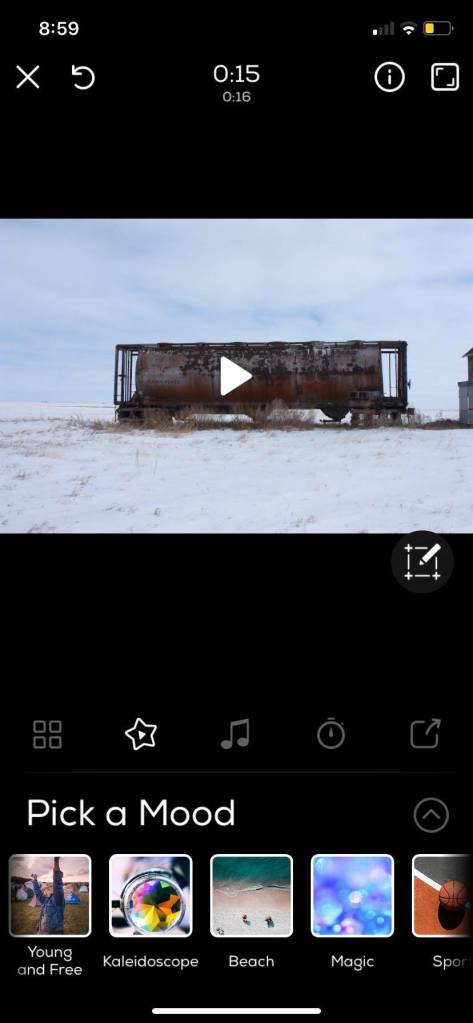
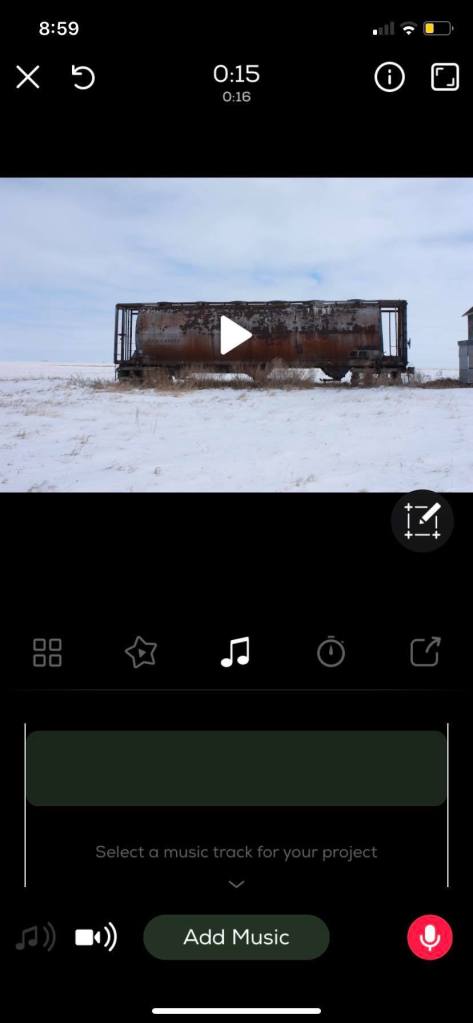
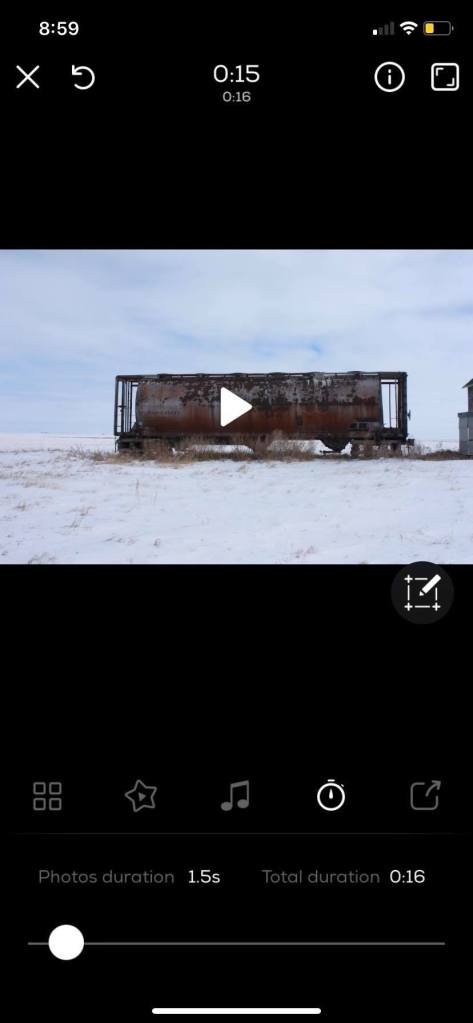
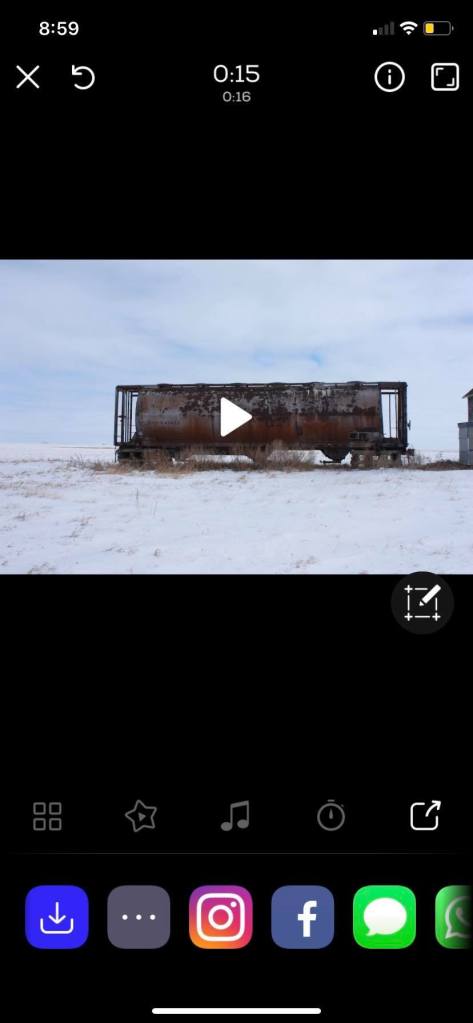
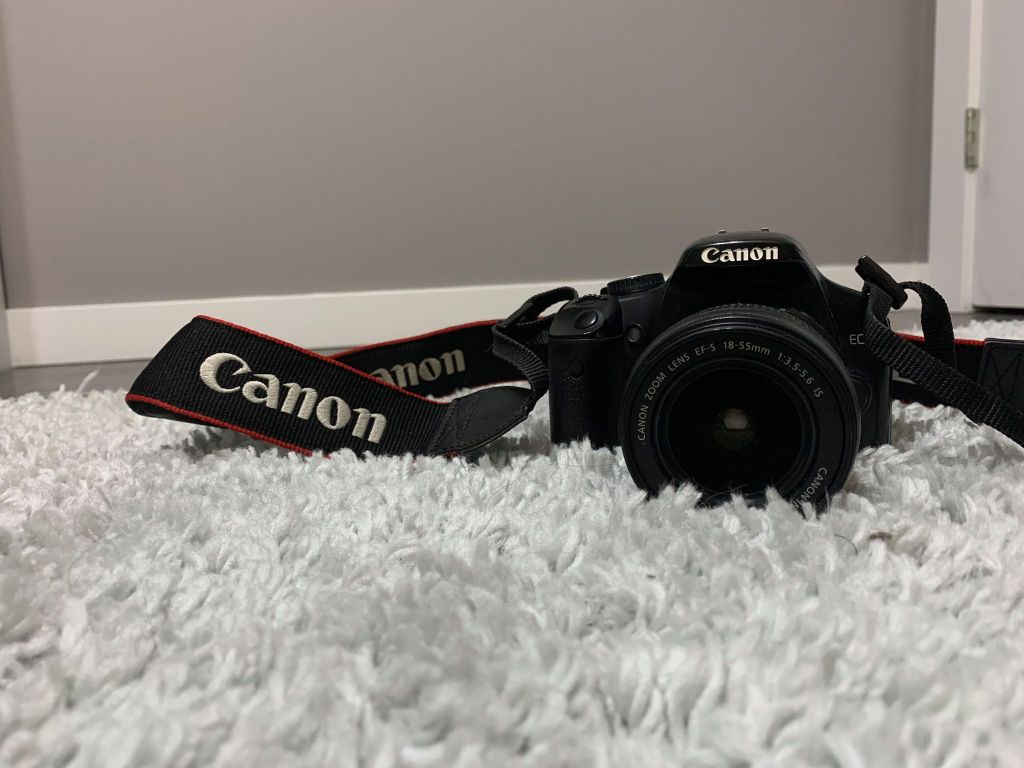
I took quite a few pictures this week so I decided to use an app called slideshow on my phone. I had to import all the pictures from my camera to my phone so I could make a video with them. This app is free for the first seven days but after you have to pay $3.99/ per week. I decided to give it a try since it seemed to have some pretty cool features to it! Using the first media icon on the left I was able to upload all the photos I took and was able to rearrange them in any order I liked. They give you different options on what “mood” you want to put your pictures in which is just like changing the filter on the photos. I choose to not change the mood since the colors in my photos were very beautiful by themselves. This app also allows you to add in music by clicking the music note icon and also allows you to change how long the photos will be shown using the timer icon. I decided to set mine to 1.5 seconds so it didn’t seem like the video was dragging. I loved how this app gave a good variety of things to do when it came to making a slideshow. When you are completed you are able to share it to almost any social media site using the share icon on the right. This app is very easy and straight forward to use for beginners like me. I really enjoyed using this app for making a slideshow of my pictures and will definitely be using it for other projects in the future!




 Miss Slusarchuk